

Capture One Pro Highlights
Capture One 16.8 — Feature Description Release date: May 27, 2026
Enhanced Denoise
Rescue high-ISO images without leaving Capture One. Enhanced Denoise delivers improved noise reduction for high-ISO images while preserving natural skin texture and fine detail. Processing runs in the background, so photographers can continue editing or culling while images are cleaned up.
Best for: Weddings, events, studio work, and low-light photography.
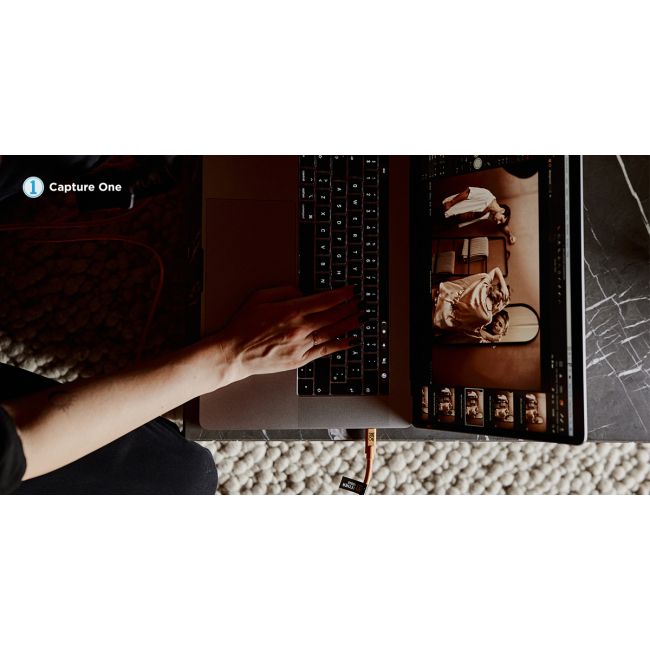
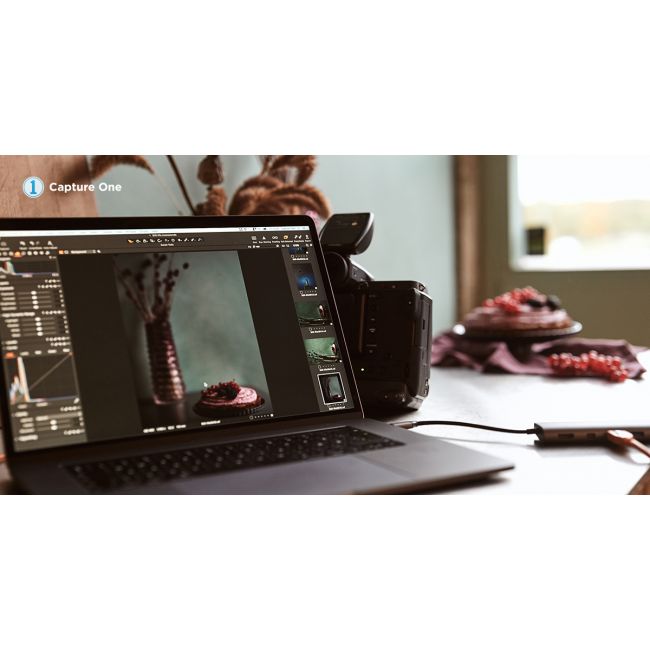
2nd Gen Wireless Tethering for Canon
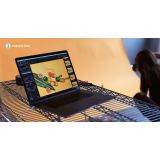
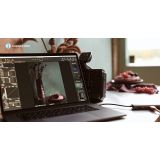
Wireless tethering now delivers near-wired performance for Canon EOS R5 Mark II and Canon EOS R1. Images appear almost instantly in Capture One while full RAW files transfer in the background.
Best for: Studio and on-location photographers who need freedom of movement without compromising workflow speed.
Assisted Review (Beta)
Automatically identify closed eyes, missed focus, and exposure issues directly inside Capture One. Assisted Review helps speed up image selection while keeping photographers fully in control of the final review.
Best for: Portrait, event, and wedding photographers shooting at scale.
Actions
Connect production and post-production. Actions allow studios to send images directly from Capture One to connected services like Pixelz, Photoroom, and Gemini.
Automate retouching, background replacement, cropping, and delivery workflows directly from the export process.
Best for: High-volume commercial studios and production teams.
Web Based Admin Portal
Centralized studio management for Capture One Enterprise. Manage deployments, updates, workflows, users, and permissions across your Capture One environment from one connected platform.
Best for: IT admins and studio managers managing Capture One at scale.
Capture One 16.7 — Feature Description
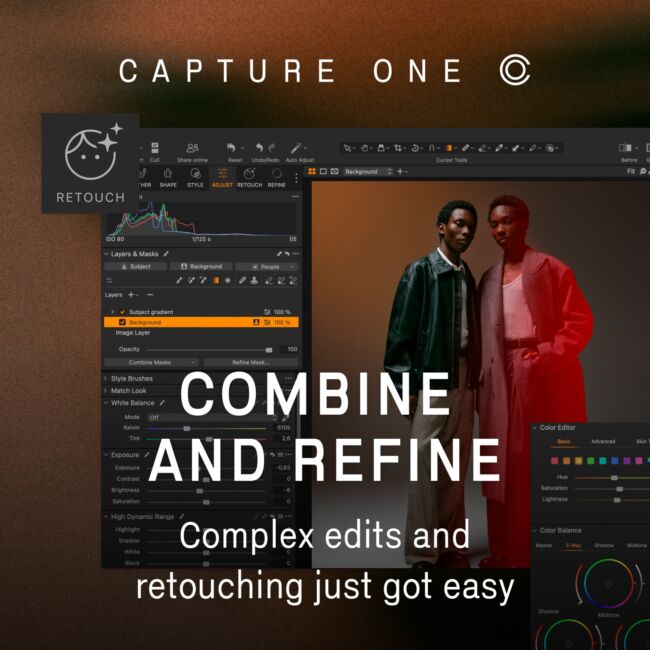
COMBINE MASKS - Make complex masks easy
Now you can add, subtract, and intersect masks with only a few clicks. We’ve also added the option to create instant masks for any clothing item.
NEW RETOUCHING SLIDERS - Retouch eyes, teeth, and neck
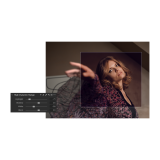
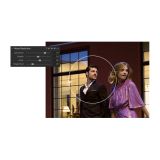
Effortlessly refine your portraits with simple sliders.
CLOTHING MASKS - Mask whatever they’re wearing
From portraits to eCommerce, make instant clothing masks
CONTACT SHEETS - Summarize your shoot
Create and export customizable contact sheets in a heartbeat.
FUJIFILM IMPROVEMENTS
We preserve your in-camera crop on import, so your framing stays consistent. We’ve also boosted
your Live View experience when shooting with FUJIFILM.
CAMERA SUPPORT PSB - Now with PSB and new camera support
We’ve added PSB file compatibility, support for the FUJIFILM X-T30 III, Leica M EV1, and more.
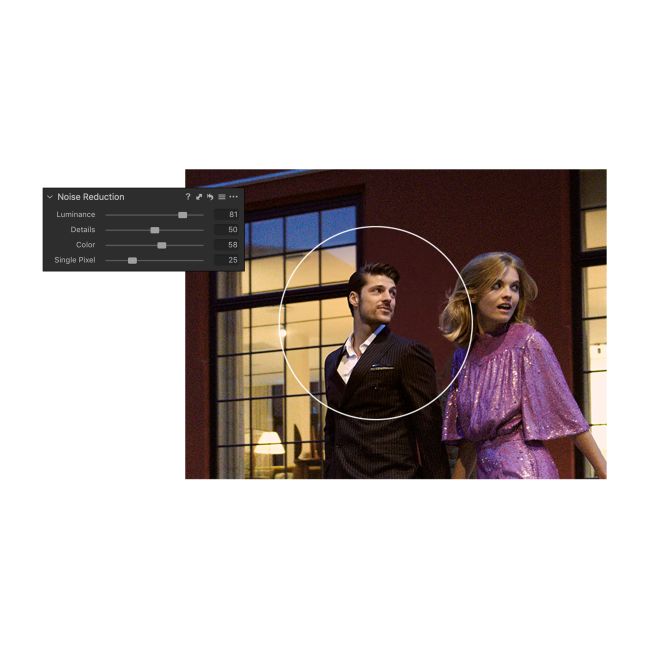
Improved Noise Reduction
Get the cleanest possible images
Retain colors and details like never before when shooting with high ISO. With improved noise reduction, start your editing with better quality images – even before tweaking.
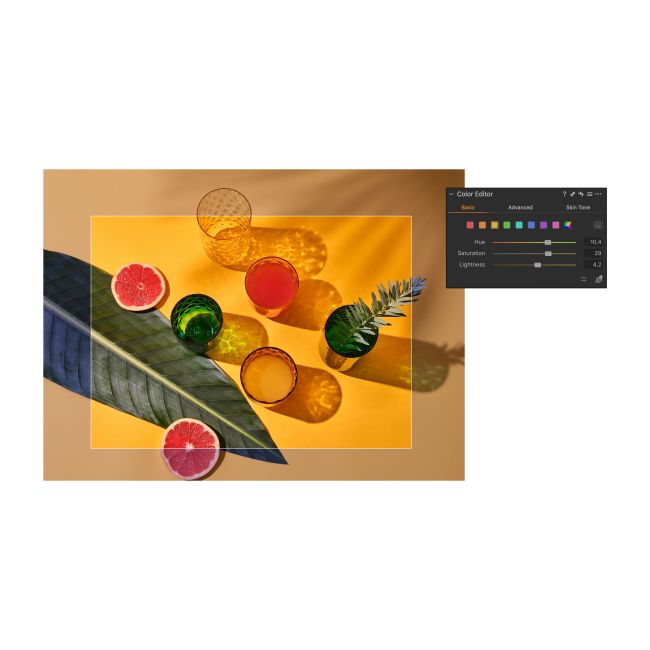
Improved Basic Colour Editor
Precise colour editing. Made easy.
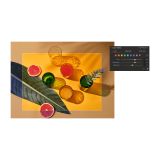
Edit colors faster with a new Basic Colour Editor that’s compact and easy to use. Click anywhere on the photo and drag to adjust the hue, saturation and lightness of any colors – or edit with intuitive sliders. For more control, the Advanced Colour Editor and Skin Tone tools are as powerful as ever.
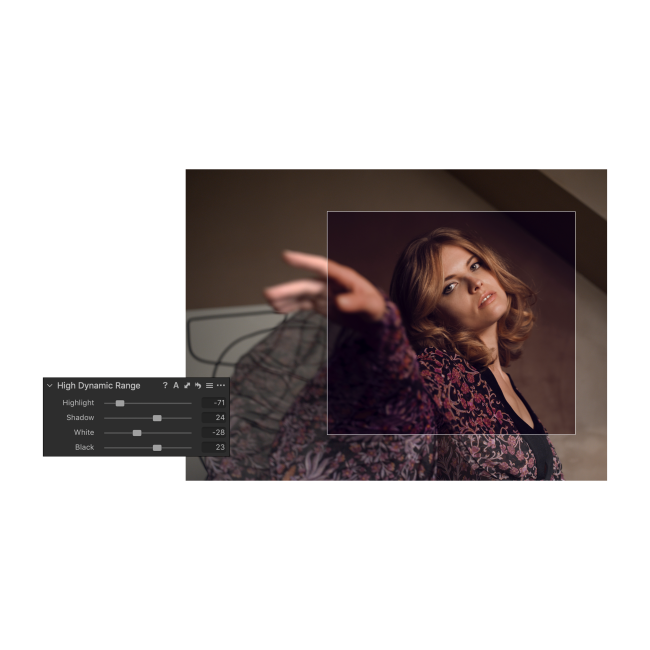
High Dynamic Range tool
Take total control of your contrast
Do more with contrast and tone thanks to the new High Dynamic Range tool. Recover highlights, boost shadows, darken the blacks or boost the brightest areas of your photo - all in one tool.
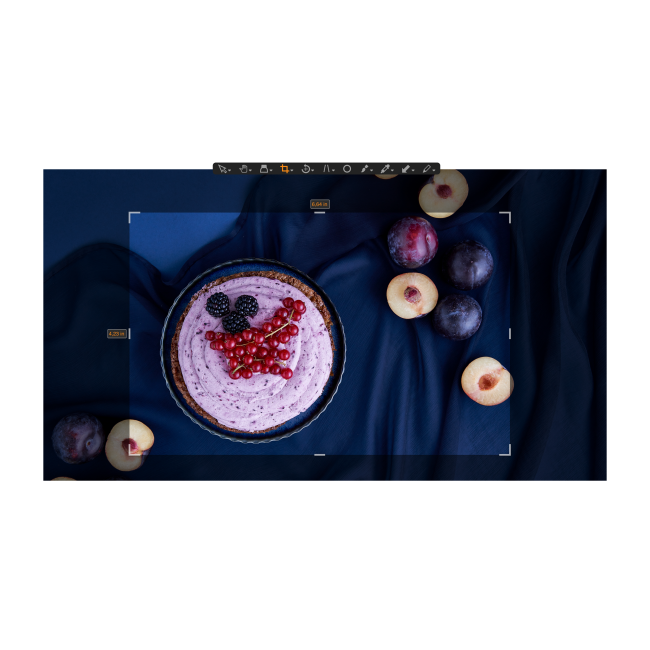
Improved Crop tool
Crop with ease and flexibility
Easily visualise and transform your crops thanks to the visible handles in the new Crop tool. Instantly crop from the centre, rotate the crop or lock the aspect ratio using modifier keys.
Faster image culling
Sort photos in a snap
Save up to 50% of your keystrokes when sorting images – enable “switch to next” to automatically switch to the next photo when you rate or tag. Works with sets so you can easily review multiple images at the same time and manage big projects in a snap.
Scrolling tools
Scroll for speed
Work quickly and intuitively – scroll through all your tools with ease and pin your favourites to the top for instant access.
Improved Copy for Layers and Masks
Accelerate your layer editing
Easily copy specific layers between photos – including photos with different formats and sizes – without replacing the existing layers on the destination photo.
Support for DNG files
Edit spectacular DNG files
Get the most accurate colours and sharpest details out of any camera model, drone or smartphone capturing DNG files.
Updated Interface
Get the smoothest editing experience
Make a big difference to your workflow with small updates. We’ve added text to the icons so you can find tools instantly, made Masking tools easy to access and simplified the adjustments clipboard. Plus, get higher resolution thumbnails and adjust the viewer background colour with one click.
Better keyboard shortcuts
Take a shortcut
Edit faster with new default shortcuts for zoom, full screen, Focus Mask and much more. Plus, customise the shortcuts further to create your ideal workflow.